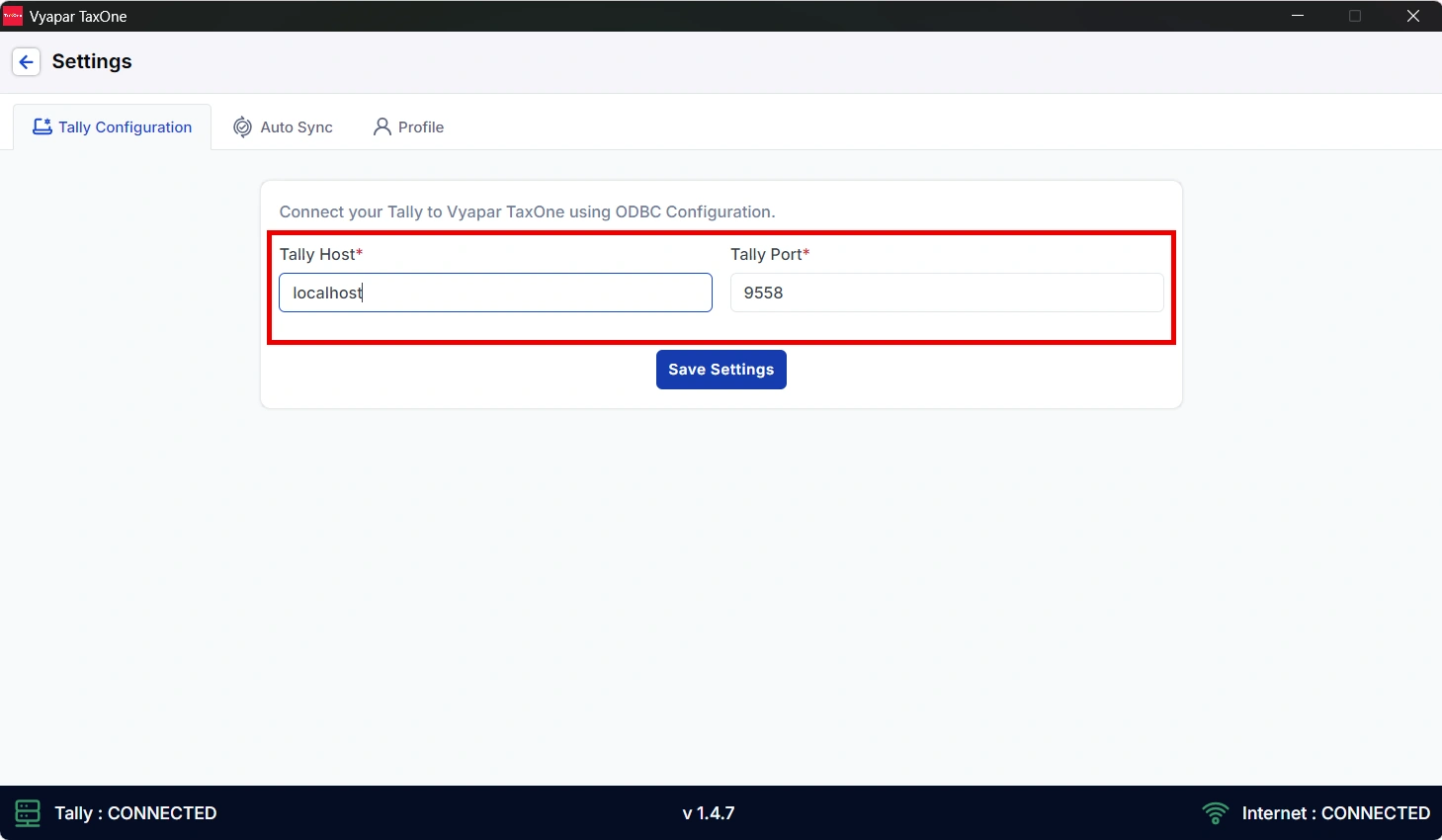
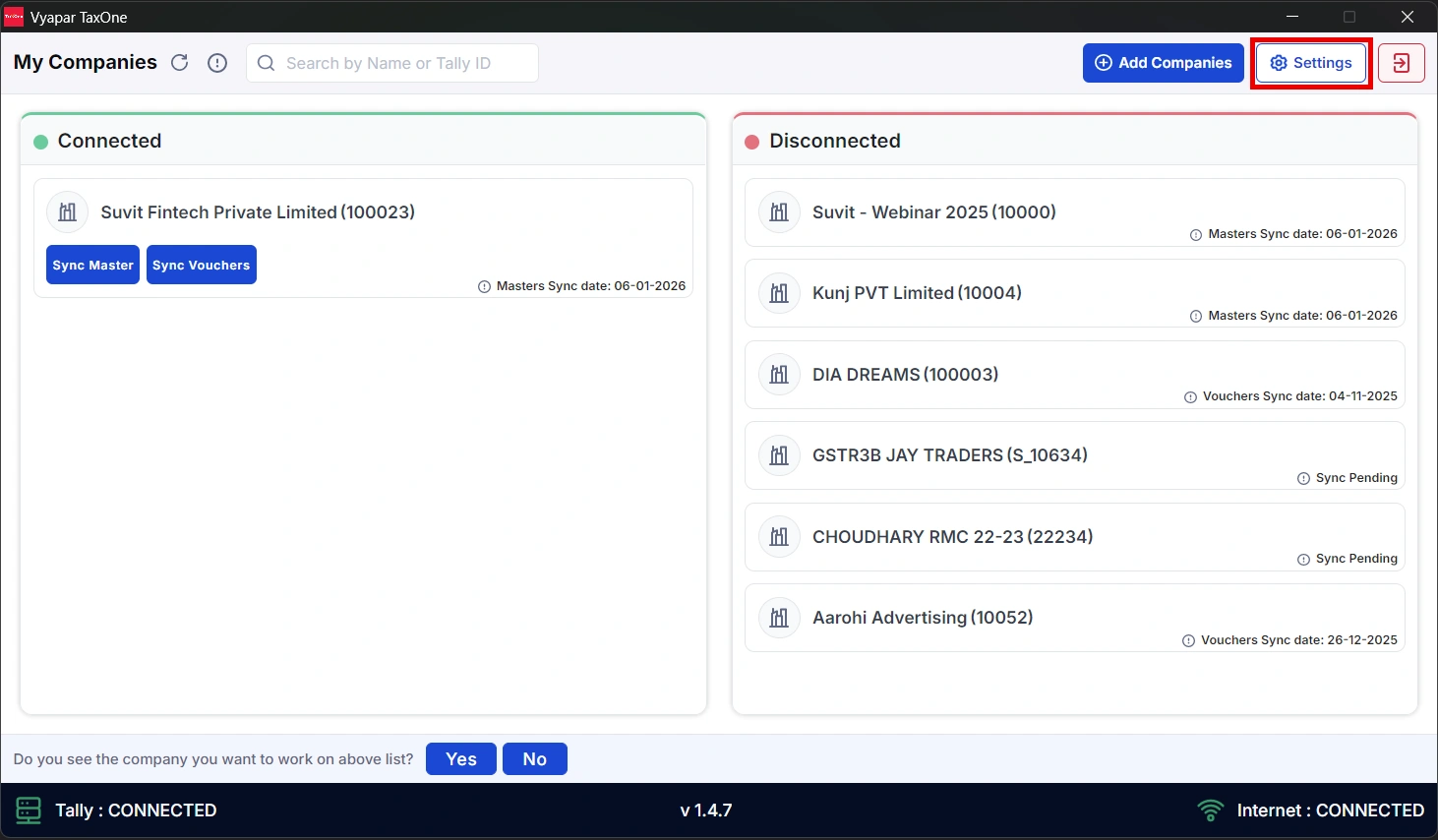
Open Suvit Desktop → Settings.
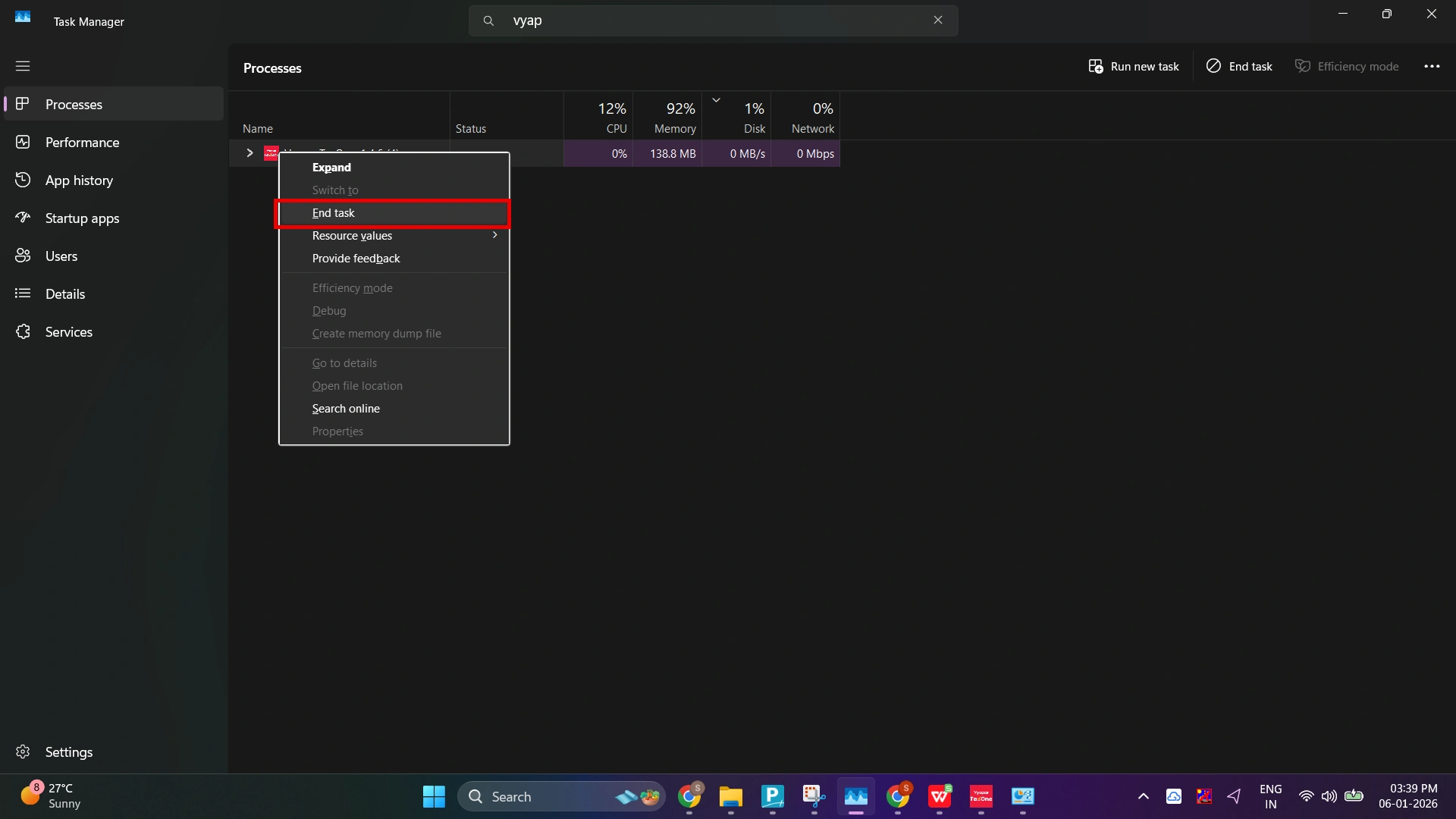
Open Task Manager (Ctrl + Shift + Esc).
End Suvit or Vyapar TaxOne process.
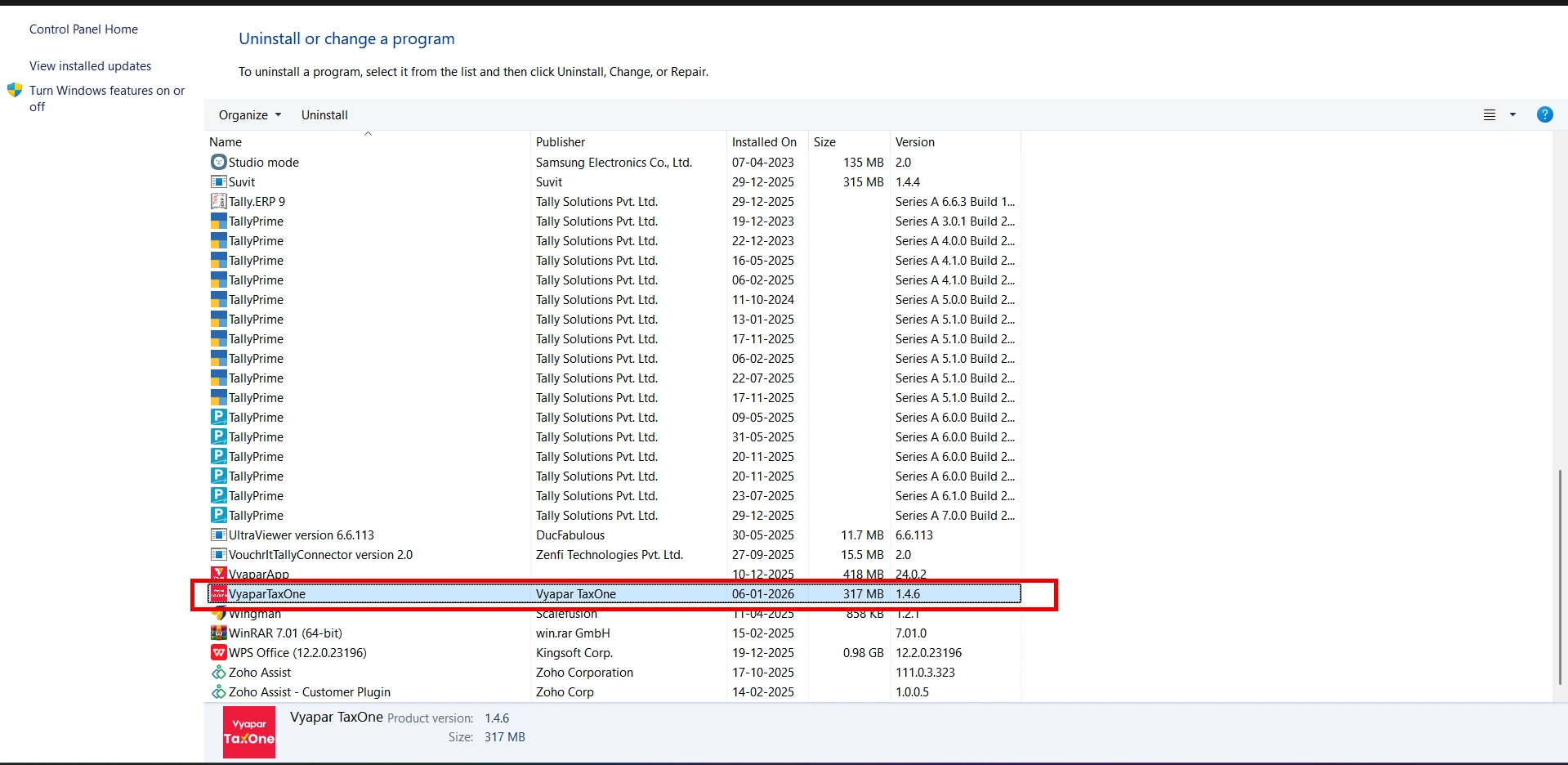
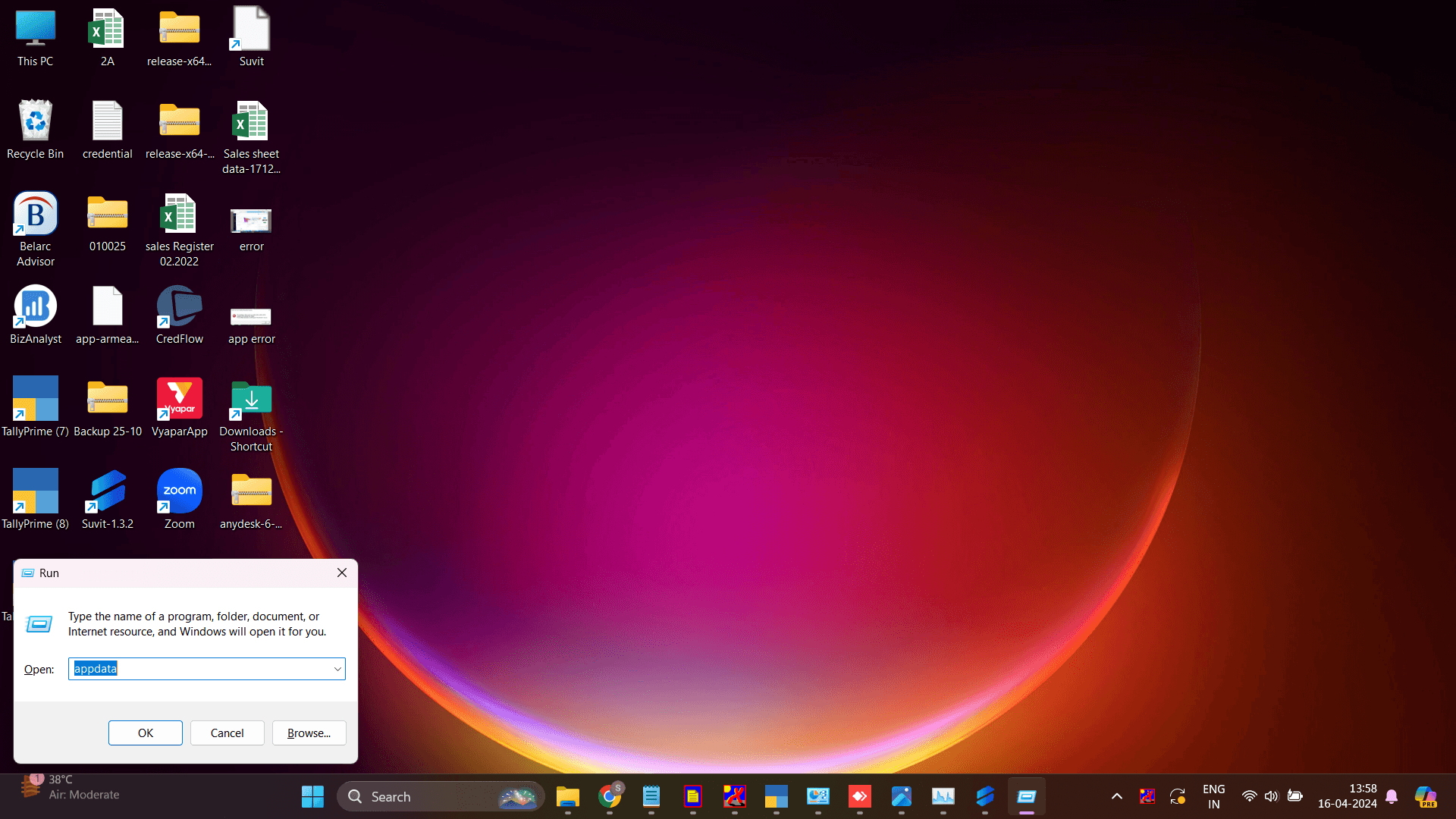
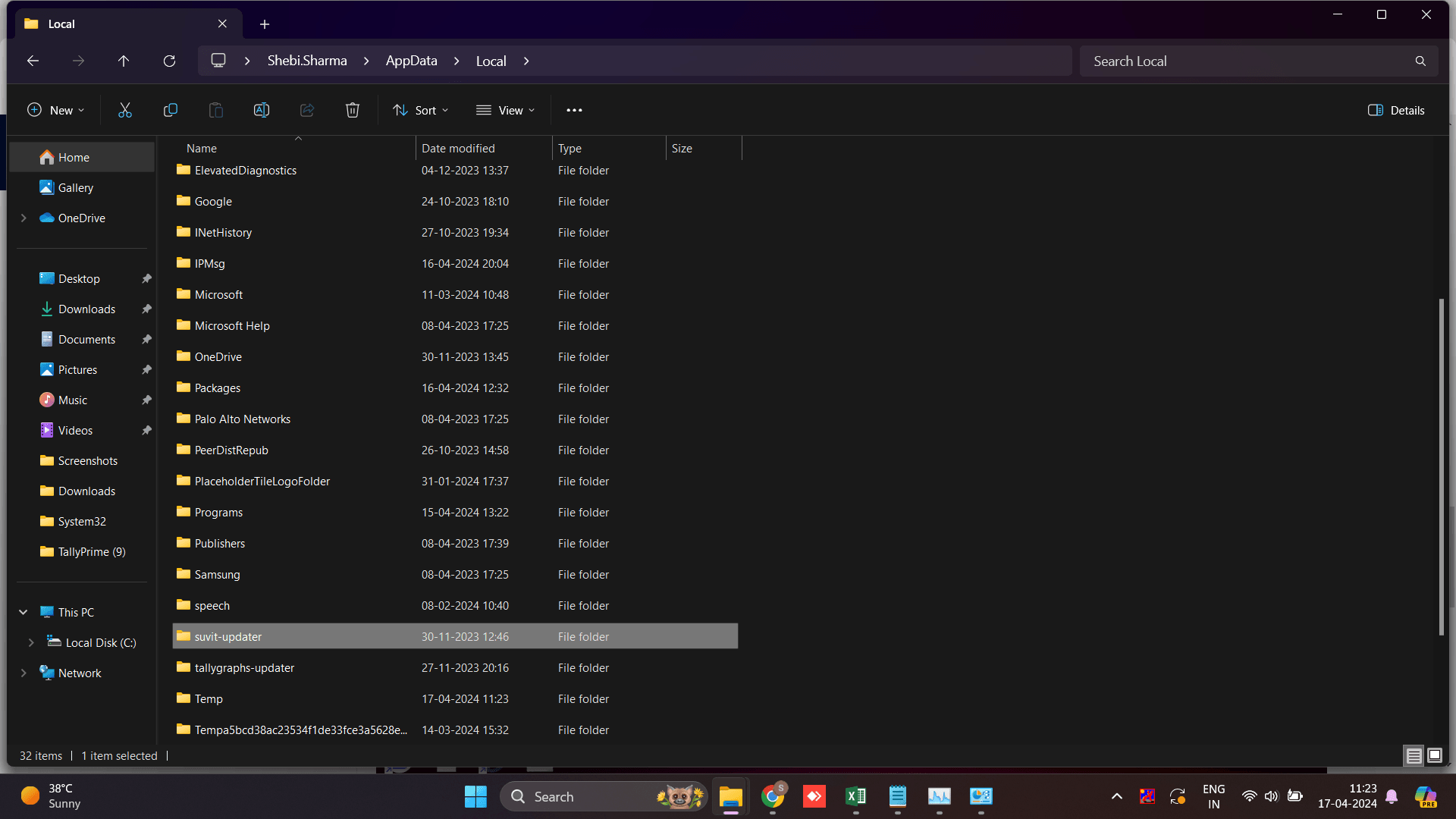
Press Windows + R → type appwiz.cpl → Enter. Or Go to control panel to uninsatall
Select Suvit/Vyapar Taxone → click Uninstall.
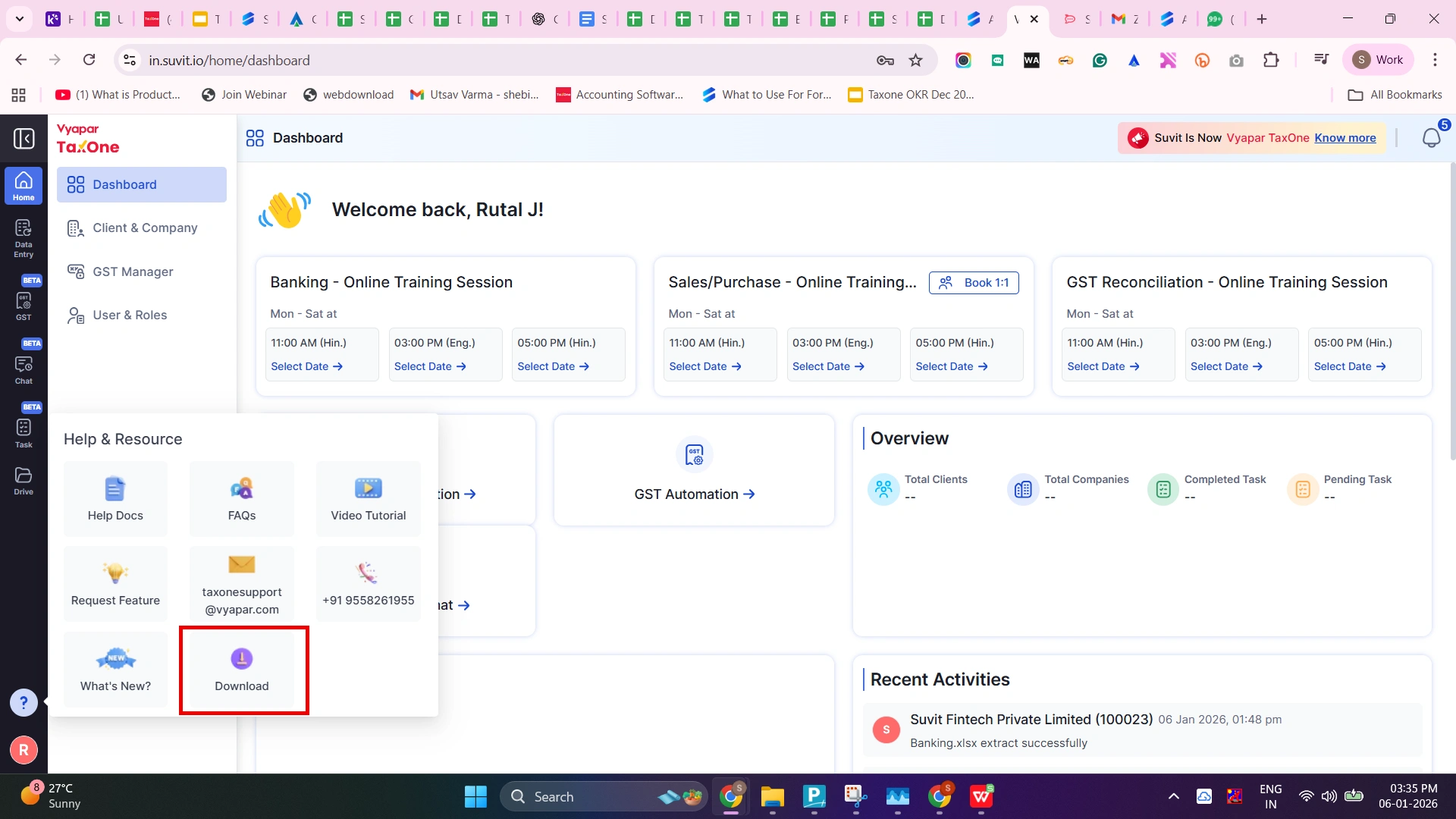
Paste the details which you have copied earlier.
Ensure Tally Port matches Tally configuration.
Click Save Settings.